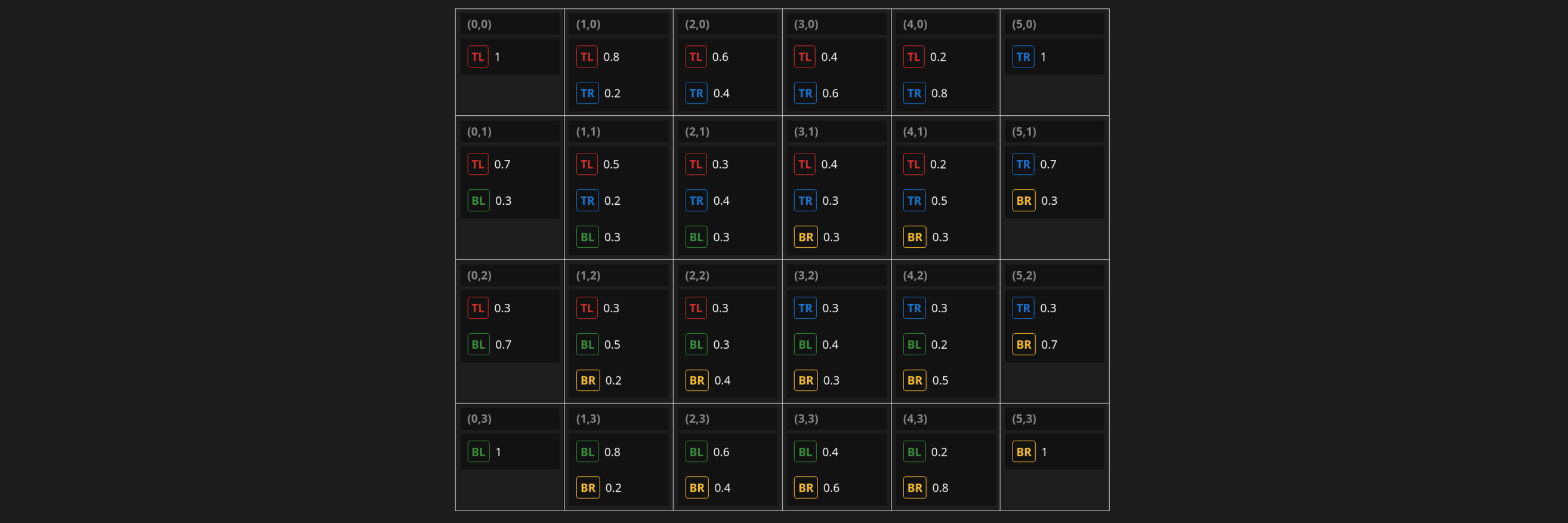
Barycentric interpolation is an alternative way to generate a biaxial blend grid, suitable when the four corner formulations vary along just two independent values (for example, in pottery glazes: % silica on the X axis and % alumina on the Y axis). In most grid dimensions, this approach can reduce the number of source mixtures needed per cell to two or three, saving both material and measurement time.
Normally, biaxial grids are calculated using bilinear interpolation. This method works for any combination of four corner formulations and is more forgiving of inaccuracies in those corners, but it requires blending all four source mixtures into each interior cell.
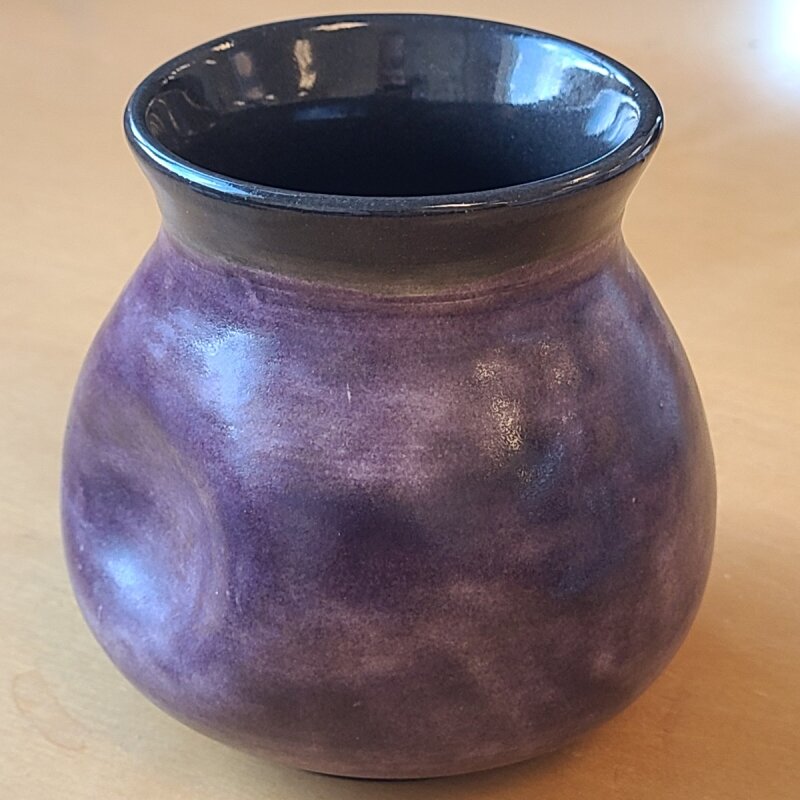
This page documents efforts to lower the firing temperature of David Tsabar’s high-fire Nickel Aubergine.
Purple is a tricky color in pottery that can be either trivial or elusive to achieve, depending on your goals.
A matte purple is simple to formulate by adding cobalt to a magnesium matte. An opaque, glossy purple can be done either with encapsulation stain or chrome/tin. Some excellent clear, celadon-like lavenders are possible thanks to neodymium oxide. Beautiful variegated purples appear in reduced copper glazes. But a dark, translucent, glossy purple seems rare among published or commercial glazes.
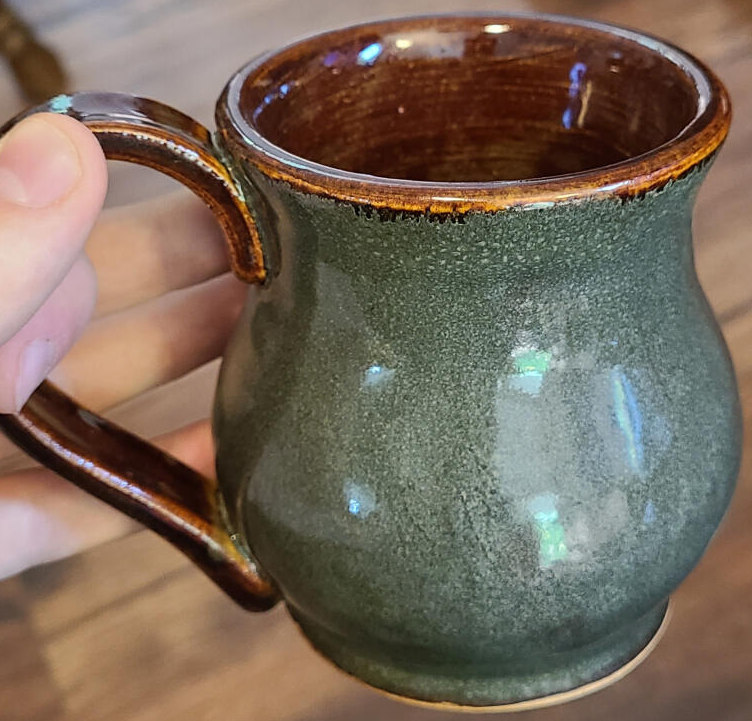
This page documents ongoing attempts to produce a rich, variegated green glaze using an iron/phosphorus mechanism in cone 6 borosilicate glaze.
Some key takeaways so far:
- A lithium-rich base produces a better green than a soda or potash base
- A small addition of lanthanum oxide appears to brighten the effect without changing the color
Iron/Phosphorus Glaze
Blue Hare, Hare’s Fur, or Floating Blue is a widely used effect in pottery studio glazes and commercial glazes.
Glaze Material Substitutions
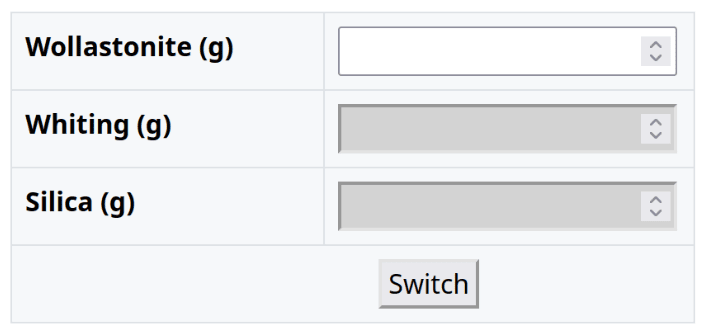
This page provides a set of calculators to help with calculating common material substitutions in glaze recipes.
Warning: These calculators are based on theoretical UMF analysis of the materials, and I have not verified them experimentally. Oxide analysis isn’t the only factor that determines how a material will behave in a glaze.
Each calculator allows for conversions between two material forms. Click “Switch” to toggle the conversion direction. Red cells indicate that a material should be subtracted from the recipe.
Wrapping vector artwork around a conical object in Inkscape
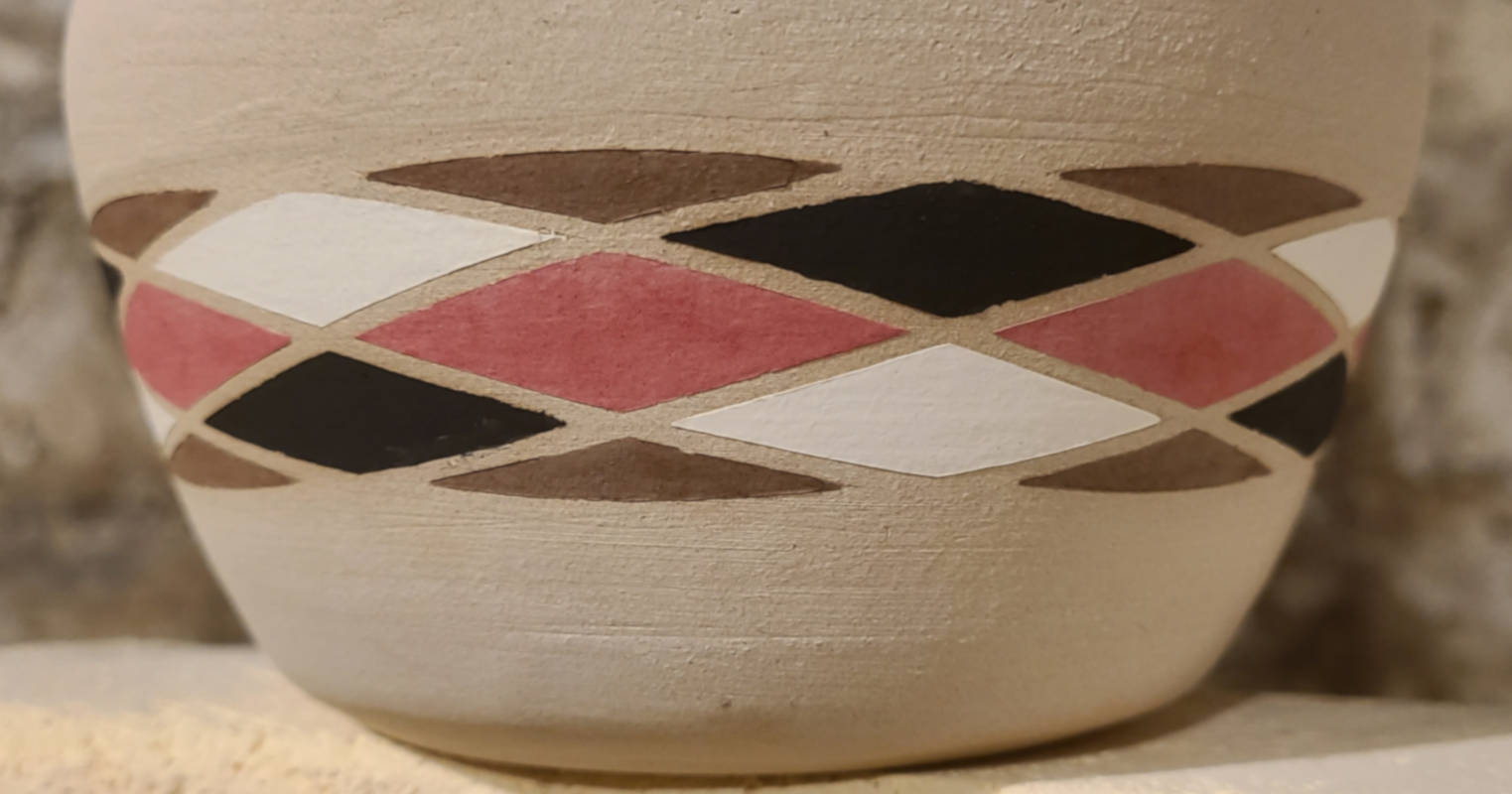
Free vector editing tools are pretty lacking in intuitive ways to wrap a template around a conical object (i.e. mug or vase). I aim to produce a vinyl decal that can be applied perfectly to a ceramic piece without any stretching.
This post is not a step-by-step procedure, but rather a general overview of the steps that I use to fit vector artwork to pieces of pottery using Inkscape and a vinyl cutter.