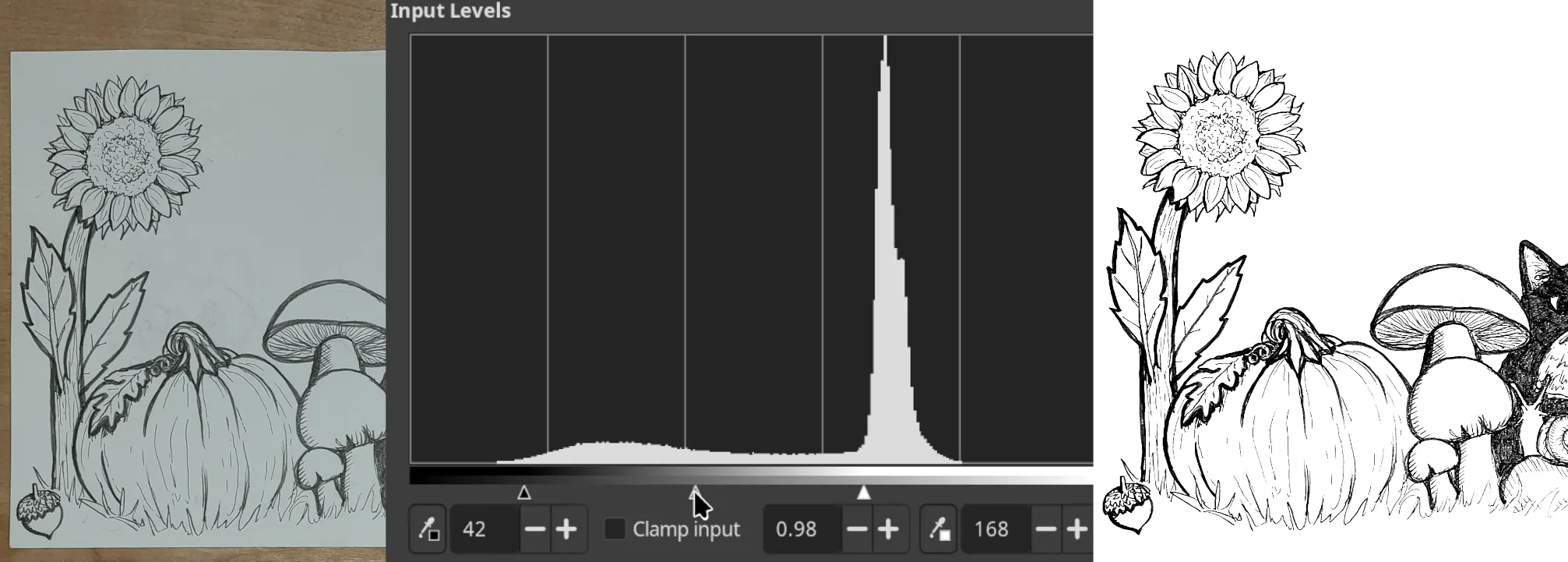
This is a quick guide for digitizing pencil or ink drawings using a phone camera and GIMP. The goal is to convert a hand-drawn original into a clean grayscale or vector image for digital use.
1. Capture the Drawing
Use a phone to capture a photo of the drawing on a flat surface. Position the phone at least 18 inches above the drawing, with the camera lens centered over it and the phone perpendicular to the surface.
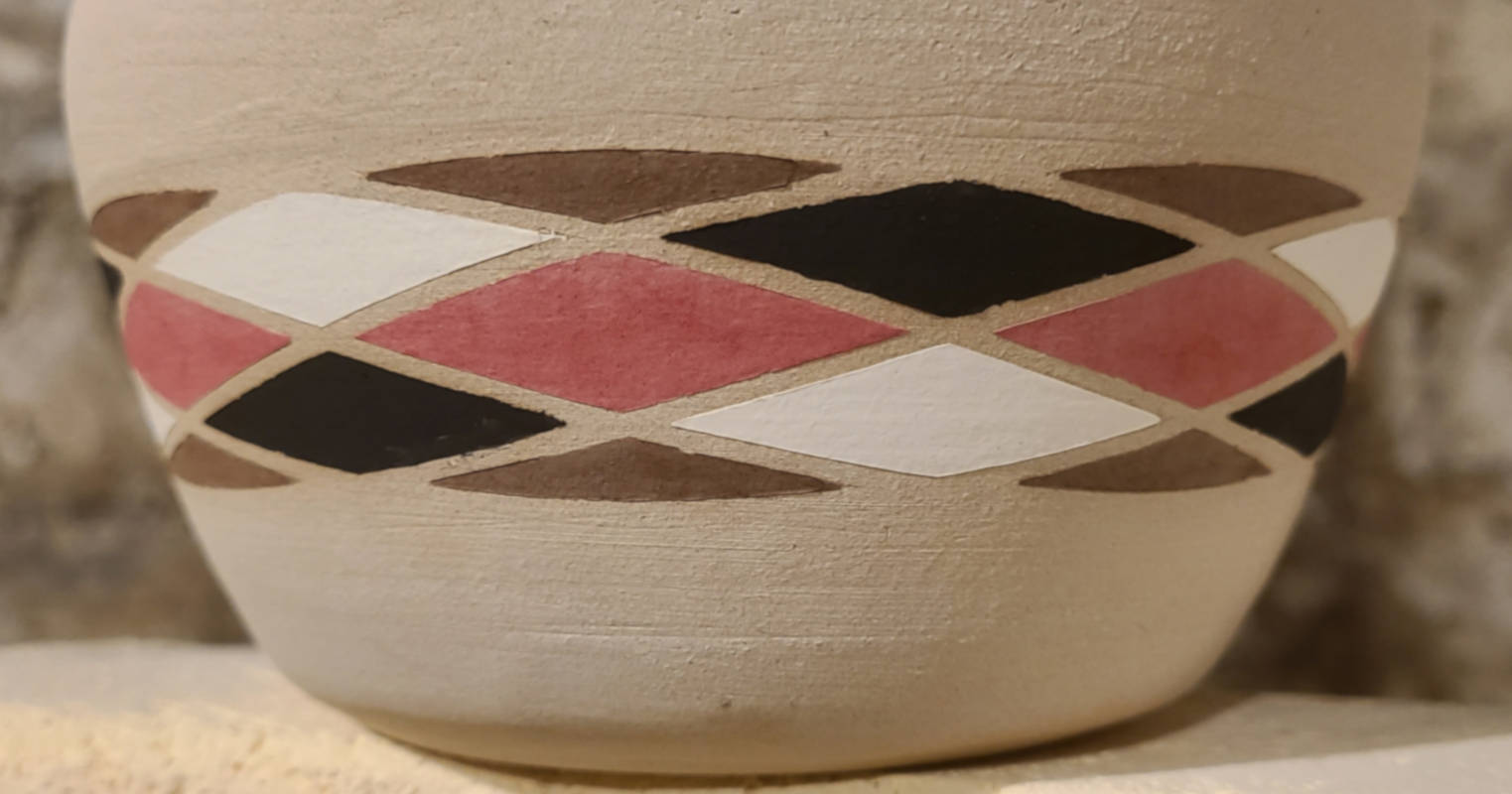
Wrapping vector artwork around a conical object in Inkscape
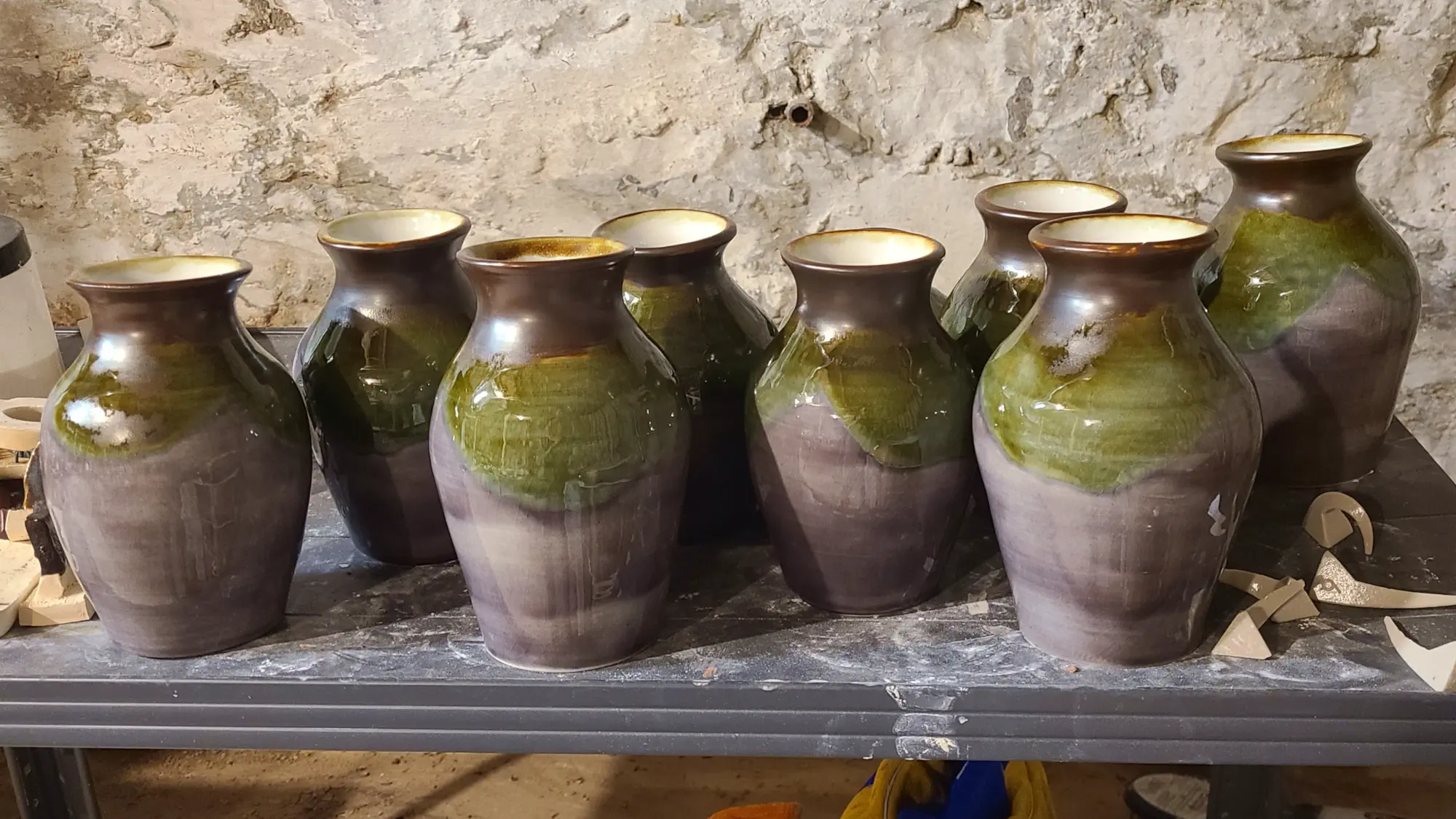
Free vector editing tools are pretty lacking in intuitive ways to wrap a template around a conical object (i.e. mug or vase). I aim to produce a vinyl decal that can be applied perfectly to a ceramic piece without any stretching.
This post is not a step-by-step procedure, but rather a general overview of the steps that I use to fit vector artwork to pieces of pottery using Inkscape and a vinyl cutter.